From bot token to a live Telegram workflow
Connect your bot, shape the path on one canvas, and launch it in Telegram right away. Everything stays visible, so you can keep refining messages and logic as you go.
Three steps from setup to live replies
Start with a bot token, shape the flow visually, and launch the workflow in Telegram without leaving the builder.
Connect your bot
Paste a BotFather token or create a fresh bot in one click. TeleGo checks the connection before you move on to the flow itself.
Describe it or pick a template
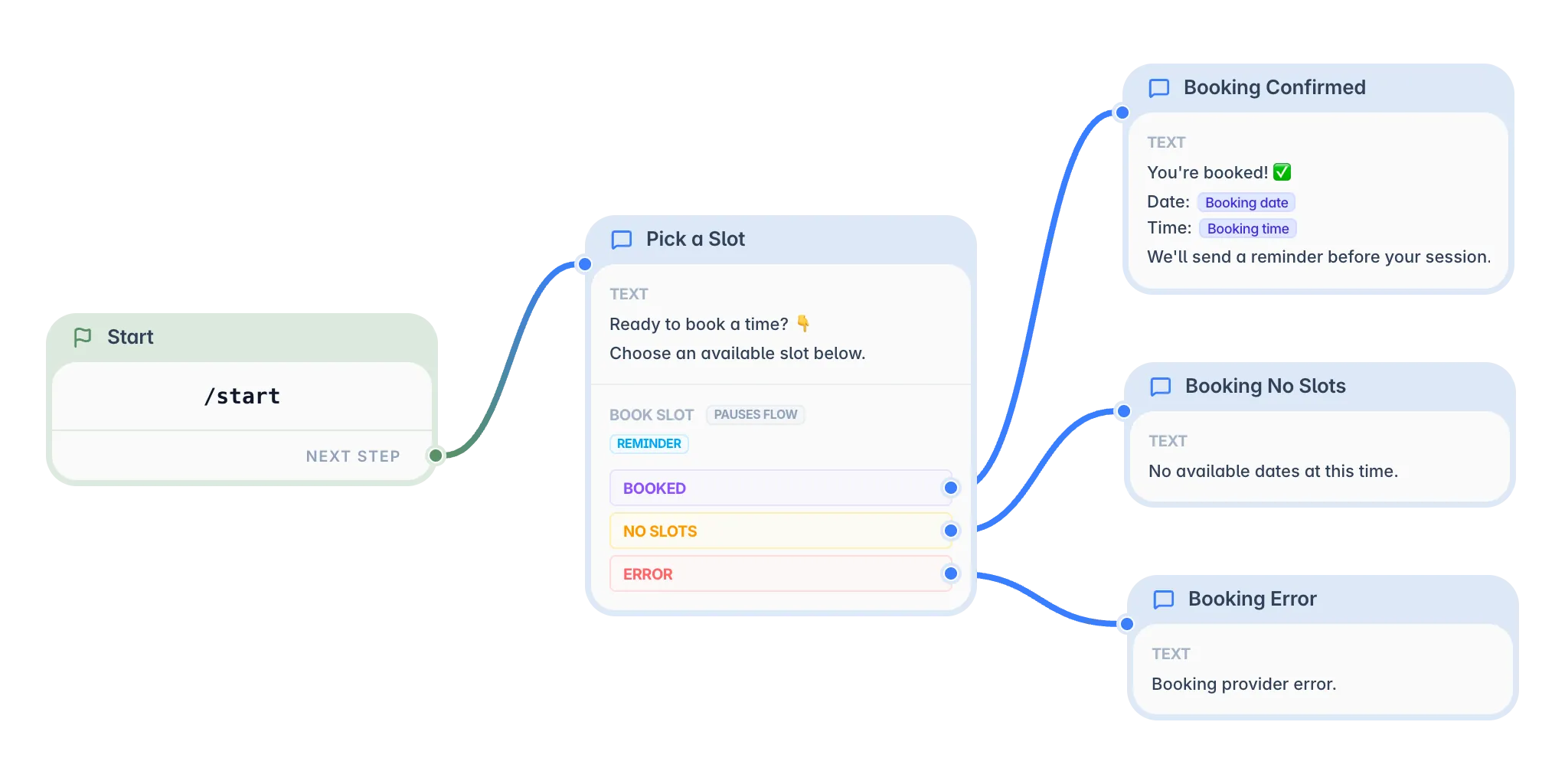
Tell the AI assistant what your bot should do, or start from a ready flow for bookings, consultation requests, payments, or client questions. Then adjust the texts to fit your business.
Go live and see the results
Share the bot with your clients and keep improving it from the same place. New requests, bookings, and conversations show up as they come in.
Atomic blocks for visual bot building
Connect triggers, dynamic messages, AI models, conditions, and schedules. Build custom Telegram automation scenarios without writing code.
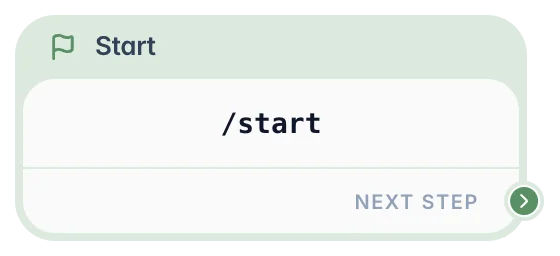
Start Node
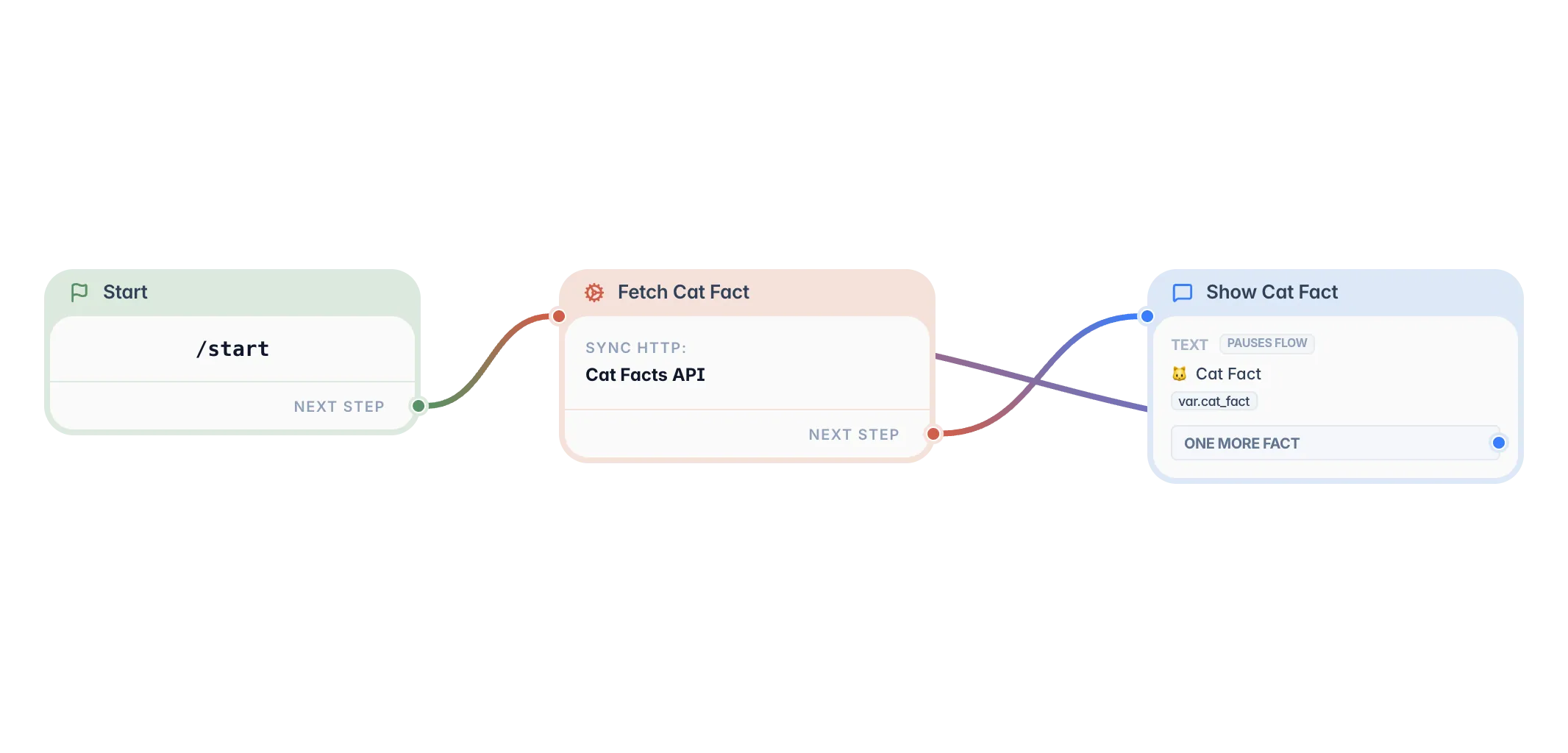
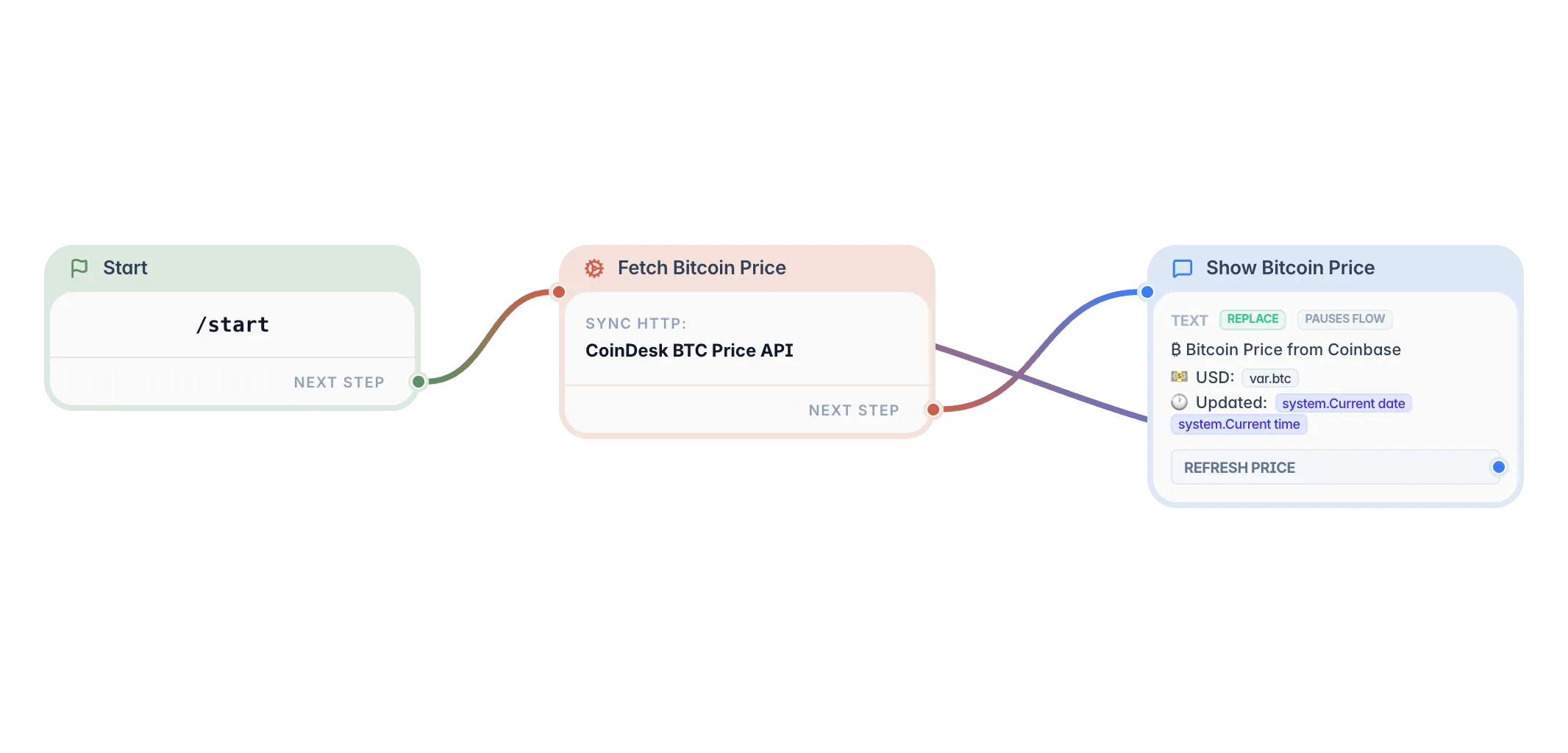
The mandatory entry point of every scenario. It tells the runtime engine where to begin execution when a user triggers the bot command (such as /start or /help). Configures scenario identity and handles deep linking.
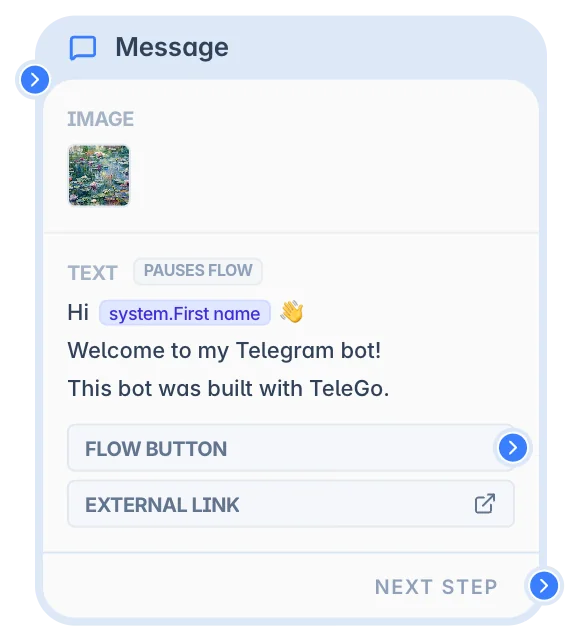
Message Node
The user-facing interface of your bot. Sends rich text, photos, files, and video messages. Design inline keyboards and reply menus to gather replies or route users to next steps.
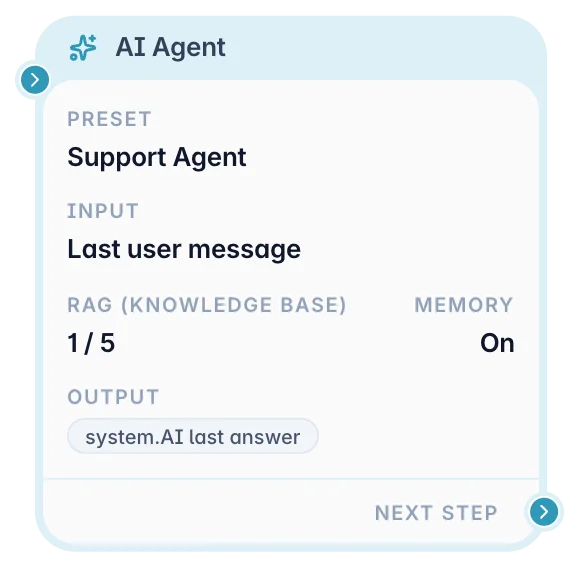
AI Agent Node
Power conversational AI inside your scenario. Run AI requests with Claude or GPT models, search Knowledge Bases via RAG, utilize memory, and save outcomes into system variables.
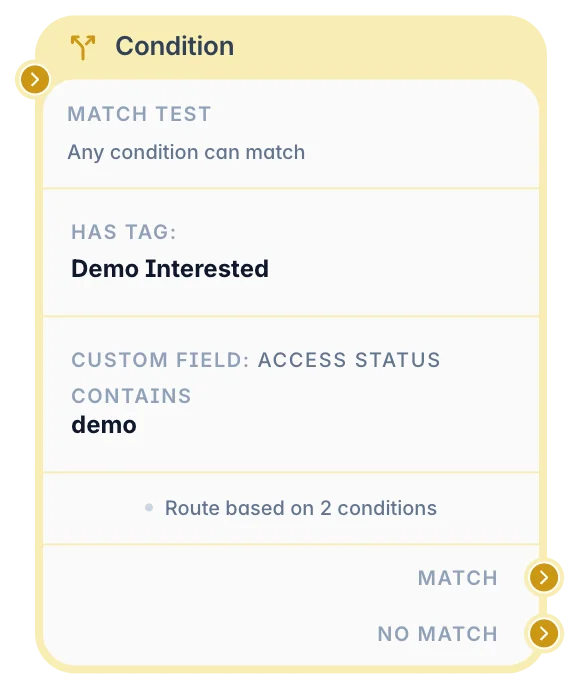
Condition Node
Branch your workflow based on rules. Check user tags, custom variable values, subscription status, or text content to send them down the correct route.
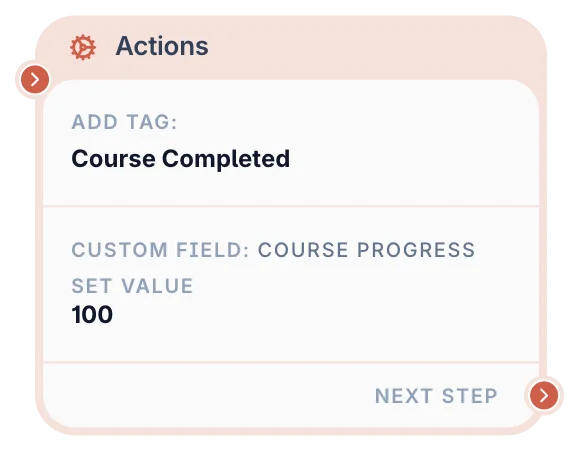
Actions Node
Perform silent background tasks. Update user variables, add or remove tags, manage Telegram group membership, trigger webhooks, or track conversions.
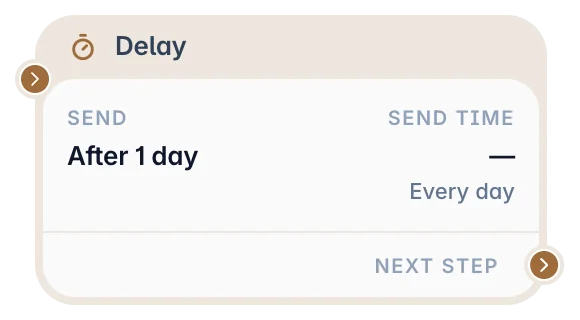
Delay Node
Pause scenario execution for a relative duration (such as 3 seconds, 2 hours, or tomorrow at 10:00) before sending the next message to keep it feeling human and organic.
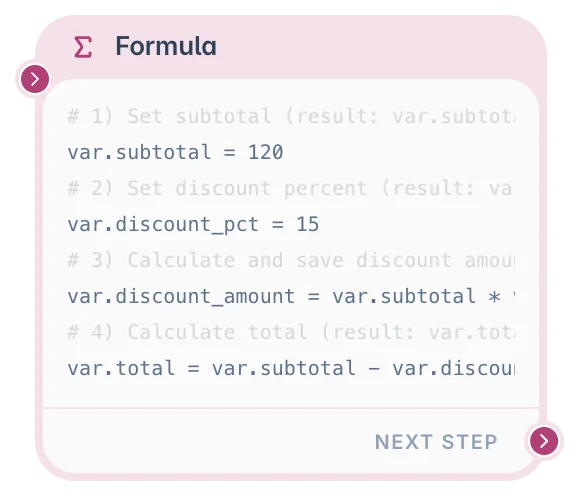
Formula Node
Calculate values, transform text, and manage variables using simple logic expressions and common math or string functions.
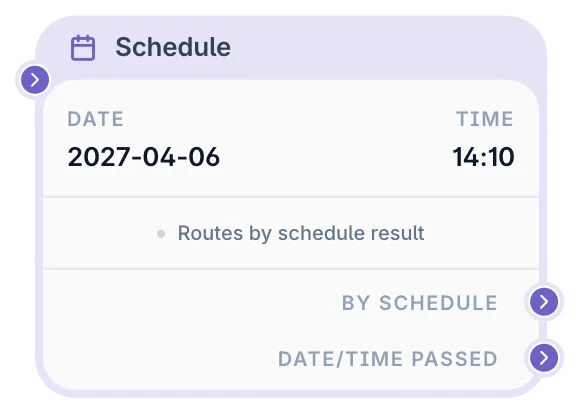
Schedule Node
Pause scenario progress until a precise calendar date and time (fixed or read from a variable) with a fallback path for users arriving after the deadline has passed.
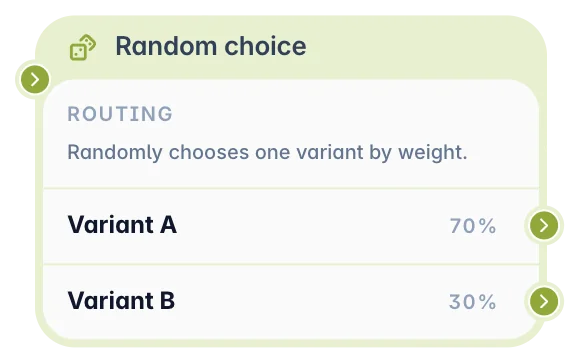
Random Node
Randomly split users into different flow paths based on percentage weights. Ideal for A/B testing messages, content variety, or lead distribution.
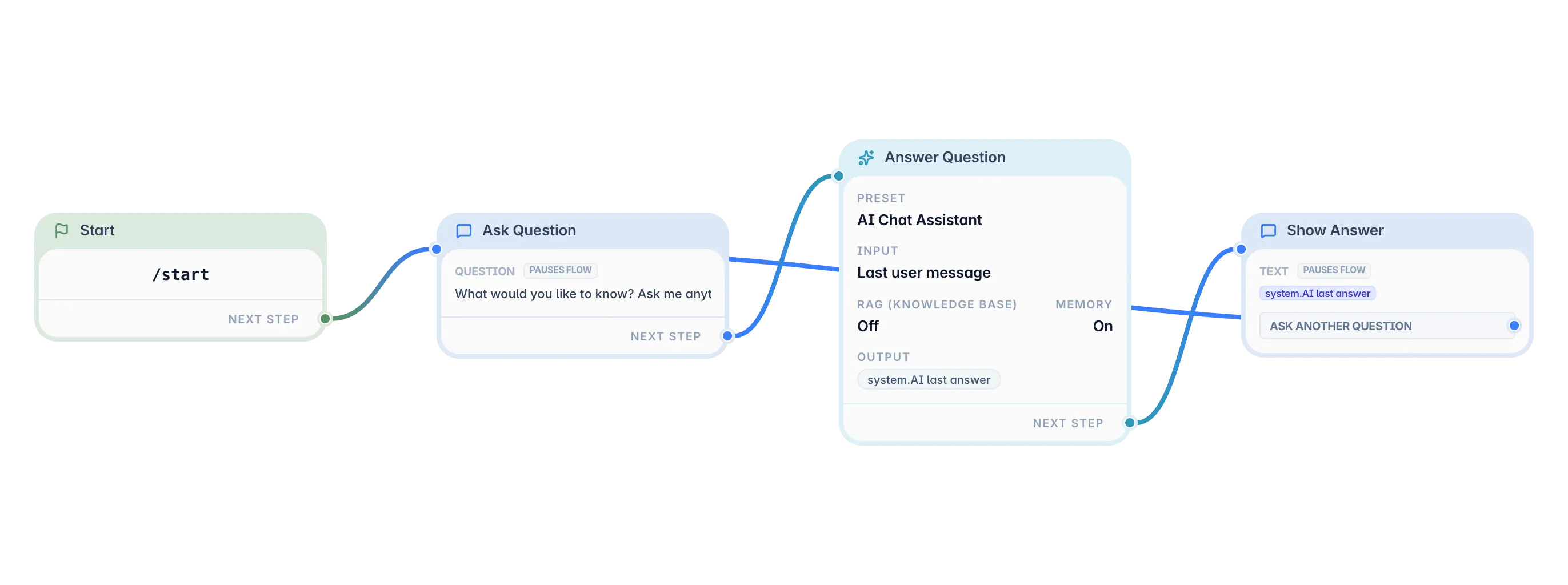
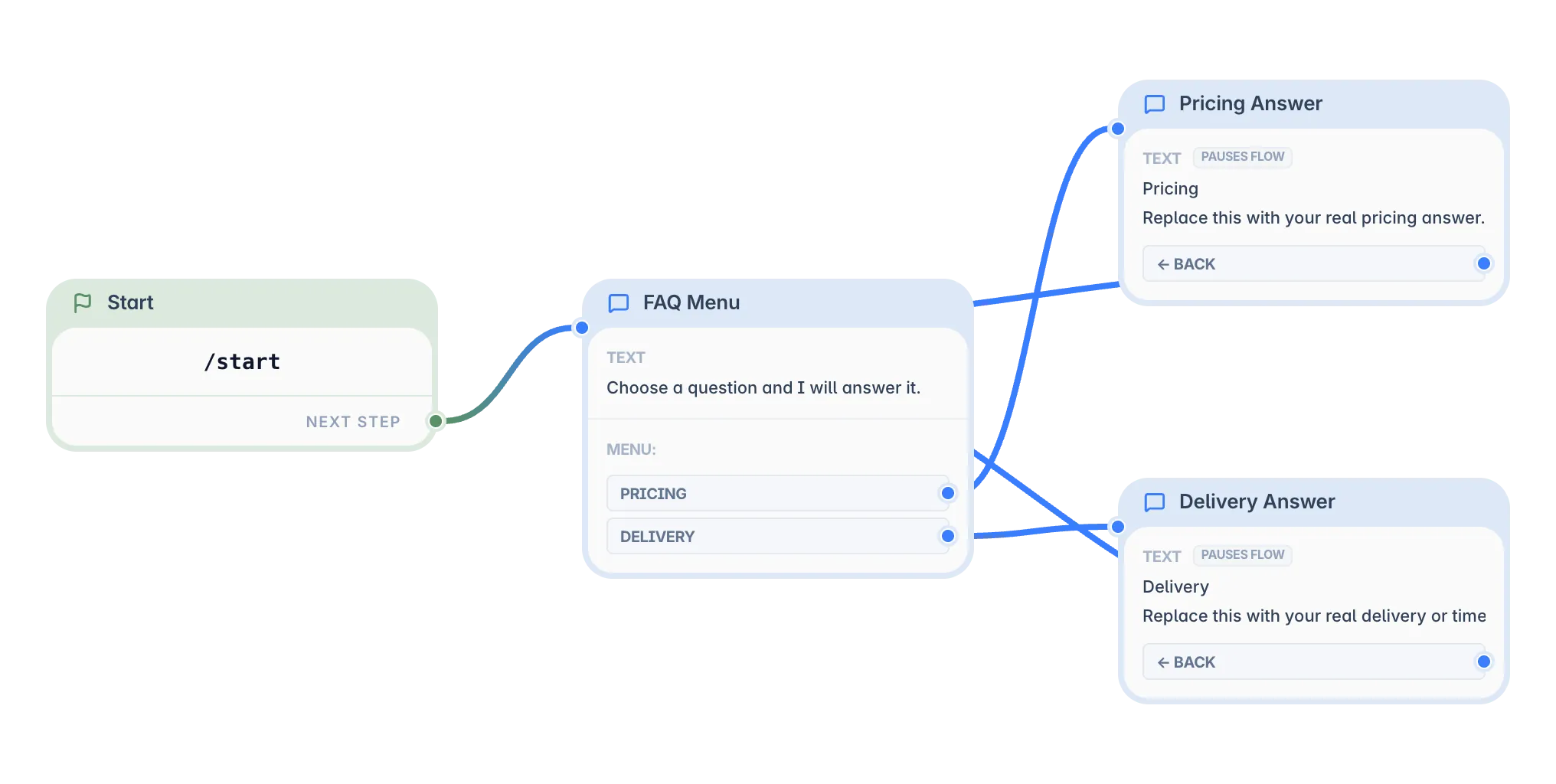
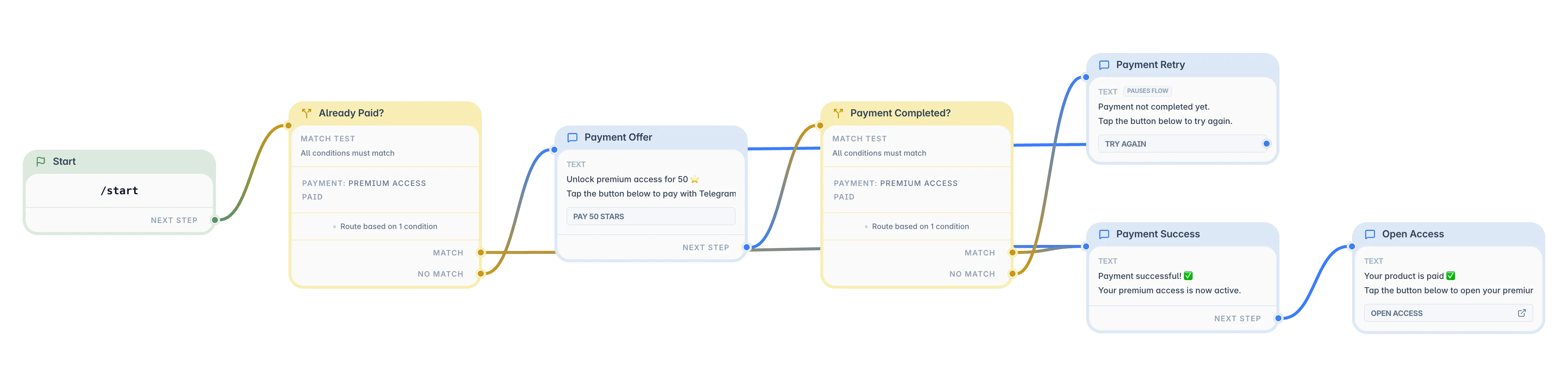
Let Your Bot Handle the Routine
Answer client questions, collect requests, and take bookings and payments in Telegram. Describe it in plain words, no code required.